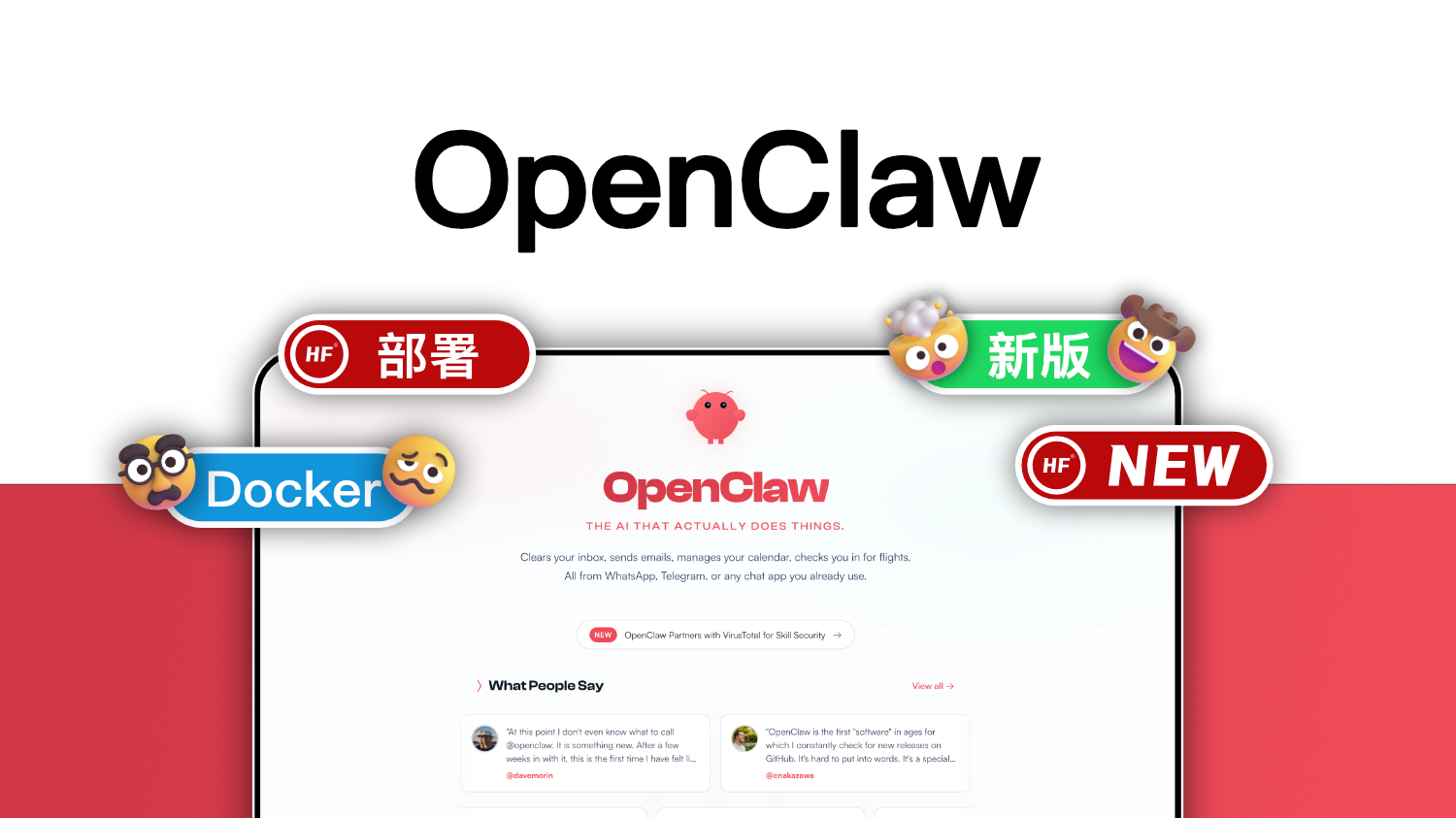


1Panel + OpenClaw 部署指南
本文档详细说明如何在各种架构的系统上部署 1Panel 并安装 OpenClaw。
目录
系统要求
硬件要求
| 组件 | 最低要求 | 推荐配置 |
|---|---|---|
| CPU | 2 核 | 4 核及以上 |
| 内存 | 4 GB | 8 GB 及以上 |
| 磁盘 | 20 GB | 50 GB 及以上 |
| 架构 | x86_64 / arm64 / armv7 | x86_64 / arm64 |
支持的操作系统
- Linux: Ubuntu 18.04+, Debian 10+, CentOS 7+, Rocky Linux 8+
- macOS: Intel & Apple Silicon (M1/M2/M3)
- Windows: Windows 10⁄11 with WSL2
1Panel 安装
方法一:官方一键安装(推荐)
# Linux/macOS 通用
curl -sSL HTTPS://resource.fit2node.com/v2/install.sh | bash

# 或使用国内镜像
curl -sSL HTTPS://resource.fit2node.com/v2/install.sh | bash -s -- --cdn cn
方法二:Docker 部署
# 创建数据目录
mkdir -p /opt/1panel

# 运行容器
Docker run -d \
  --name 1panel \
  --restart always \
  -p 19999:19999 \
  -v /opt/1panel:/opt/1panel \
  -v /var/run/Docker.sock:/var/run/Docker.sock \
  -e TIME_ZONE=Asia/Shanghai \
  --privileged \
1panel/1panel:latest方法三:Docker Compose 部署
# Docker-compose.yml
version: 『3.8』
services:
  1panel:
    image: 1panel/1panel:latest
    container_name: 1panel
    restart: always
    ports:
      - 「19999:19999」
    volumes:
      - /opt/1panel:/opt/1panel
      - /var/run/Docker.sock:/var/run/Docker.sock
    environment:
      - TIME_ZONE=Asia/Shanghai
    privileged: true
Docker-compose up -d
安装后访问
- 地址:
HTTP://YOUR_IP:19999 - 初始密码: 查看日志获取 Docker logs 1panel | grep password
OpenClaw 部署
前置准备
- 登录 1Panel 管理面板
- 创建应用存储目录
- 准备 API 密钥(阿里云百炼 / Ollama / 其他)
方法一:1Panel 应用商店安装(推荐)
- 进入 1Panel → 应用商店
- 搜索 OpenClaw
- 点击安装,配置以下参数:
- 端口映射
- API 密钥
- 模型配置
方法二:手动 Docker 部署
目录结构
/opt/openclaw/
├── Docker-compose.yml
├── .env
└── data/
    └── conf/
        └── openclaw.json
1. 创建目录和配置文件
mkdir -p /opt/openclaw/data/conf
cd /opt/openclaw
2. 创建 .env 配置文件
cat > .env << 『EOF』
# 服务提供商:ollama / dashscope / openai
PROVIDER=『dashscope』

# 基础 URL
# Ollama: HTTP://YOUR_OLLAMA_IP:11434/v1
# 阿里云百炼: HTTPS://dashscope.aliyuncs.com/compatible-mode/v1
BASE_URL=『HTTPS://dashscope.aliyuncs.com/compatible-mode/v1』

# API 密钥
API_KEY=『your-api-key-here』

# 模型名称
MODEL=『glm-5』

# 上下文窗口大小
CONTEXT_WINDOW=131072

# 最大输出 tokens
MAX_TOKENS=8192

# OpenClaw Gateway 端口
PANEL_APP_PORT_HTTPS=18789

# OpenClaw Gateway 认证 Token(建议使用随机字符串)
OPENCLAW_GATEWAY_TOKEN=『your-random-token-here』

# 容器名称
CONTAINER_NAME=『openclaw』

# 允许的来源(Web UI 访问地址)
ALLOWED_ORIGIN=『HTTPS://127.0.0.1:18789』
EOF
3. 创建 Docker-compose.yml
version: 『3.8』
services:
  openclaw:
    image: 1panel/openclaw:2026.3.13
    container_name: openclaw
    restart: unless-stopped
    ports:
      - 「18789:8443」  # HTTPS 端口
      - 「18791:18791」 # 浏览器控制端口
    volumes:
      - ./data:/data
      - /etc/localtime:/etc/localtime:ro
    env_file:
      - .env
    environment:
      - TZ=Asia/Shanghai
    shm_size: 『2gb』
    sysctls:
      - net.core.somaxconn=1024
4. 创建 OpenClaw 配置文件
cat > data/conf/openclaw.json << 『EOF』
{
  「meta」: {
    「lastTouchedVersion」: 「2026.3.13」,
    「lastTouchedAt」: 「2026-01-01T00:00:00.000Z」
  },
  「update」: {
    「checkOnStart」: false
  },
  「browser」: {
    「enabled」: true,
    「headless」: true,
    「noSandbox」: true
  },
  「models」: {
    「mode」: 「merge」,
    「providers」: {
      「dashscope」: {
        「baseUrl」: 「HTTPS://dashscope.aliyuncs.com/compatible-mode/v1」,
        「apiKey」: 「your-api-key-here」,
        「api」: 「openai-completions」,
        「models」: [
          {
            「id」: 「glm-5」,
            「name」: 「智谱 glm-5」,
            「reasoning」: false,
            「input」: [「text」],
            「cost」: {
              「input」: 0.001,
              「output」: 0.002,
              「cacheRead」: 0.0001,
              「cacheWrite」: 0
            },
            「contextWindow」: 131072,
            「maxTokens」: 8192
          },
          {
            「id」: 「qwen-max」,
            「name」: 「通义千问 Max」,
            「reasoning」: false,
            「input」: [「text」],
            「cost」: {
              「input」: 0.02,
              「output」: 0.06,
              「cacheRead」: 0.002,
              「cacheWrite」: 0
            },
            「contextWindow」: 32768,
            「maxTokens」: 8192
          }
        ]
      },
      「ollama」: {
        「baseUrl」: 「HTTP://YOUR_OLLAMA_IP:11434/v1」,
        「apiKey」: 「ollama」,
        「api」: 「openai-completions」,
        「models」: [
          {
            「id」: 「qwen3.5:0.8b」,
            「name」: 「通义千问 3.5 0.8B」,
            「reasoning」: false,
            「input」: [「text」],
            「cost」: {
              「input」: 0,
              「output」: 0,
              「cacheRead」: 0,
              「cacheWrite」: 0
            },
            「contextWindow」: 160000,
            「maxTokens」: 512
          }
        ]
      }
    }
  },
  「agents」: {
    「defaults」: {
      「model」: {
        「primary」: 「dashscope/glm-5」
      },
      「userTimezone」: 「Asia/Shanghai」
    },
    「list」: [
      {
        「id」: 「main」,
        「tools」: {
          「profile」: 「minimal」,
          「alsoAllow」: [
            「read」,
            「write」,
            「edit」,
            「apply_patch」,
            「exec」,
            「process」,
            「web_fetch」,
            「web_search」,
            「memory_search」,
            「memory_get」,
            「sessions_list」,
            「sessions_history」,
            「sessions_send」
          ]
        }
      }
    ]
  },
  「tools」: {
    「profile」: 「full」,
    「sessions」: {
      「visibility」: 「all」
    }
  },
  「commands」: {
    「native」: 「auto」,
    「nativeSkills」: 「auto」,
    「restart」: true,
    「ownerDisplay」: 「raw」
  },
  「channels」: {
    「telegram」: {
      「enabled」: true,
      「dmPolicy」: 「open」,
      「allowFrom」: [「*」],
      「botToken」: 「YOUR_TELEGRAM_BOT_TOKEN」,
      「groups」: {
        「*」: {
          「requireMention」: true
        }
      },
      「groupPolicy」: 「open」,
      「streaming」: 「partial」
    }
  },
  「gateway」: {
    「port」: 18789,
    「mode」: 「local」,
    「bind」: 「lan」,
    「controlUi」: {
      「allowedOrigins」: [
        「HTTPS://127.0.0.1:18789」
      ],
      「dangerouslyDisableDeviceAuth」: true
    },
    「auth」: {
      「mode」: 「token」,
      「token」: 「your-random-token-here」
    },
    「trustedProxies」: [
      「127.0.0.1/32」
    ]
  }
}
EOF
5. 启动 OpenClaw
# 启动服务
Docker-compose up -d

# 查看日志
Docker logs -f openclaw

# 检查状态
Docker ps | grep openclaw
方法三:不同架构的 Docker 部署
x86_64 (Intel/AMD)
# Docker-compose.yml
services:
  openclaw:
    image: 1panel/openclaw:2026.3.13
    platform: Linux/amd64
    # ... 其他配置
ARM64 (Apple Silicon / 树莓派 4)
# Docker-compose.yml
services:
  openclaw:
    image: 1panel/openclaw:2026.3.13
    platform: Linux/arm64
    # ... 其他配置
ARMv7 (树莓派 3 及以下)
# Docker-compose.yml
services:
  openclaw:
    image: 1panel/openclaw:2026.3.13
    platform: Linux/arm/v7
    # ... 其他配置
配置说明
支持的模型提供商
| 提供商 | API 类型 | 说明 |
|---|---|---|
| 阿里云百炼 (dashscope) | OpenAI Compatible | 支持 glm、qwen 等模型 |
| Ollama | OpenAI Compatible | 本地部署,开源模型 |
| OpenAI | OpenAI | GPT-4o、o1 等 |
| Anthropic | Anthropic | Claude 3.5 等 |
| Groq | OpenAI Compatible | 免费高速 API |
| Together AI | OpenAI Compatible | 多种开源模型 |
常用模型配置
阿里云百炼
{
  「dashscope」: {
    「baseUrl」: 「HTTPS://dashscope.aliyuncs.com/compatible-mode/v1」,
    「apiKey」: 「sk-xxxxxxxx」,
    「models」: [
      {「id」: 「glm-4」, 「name」: 「智谱 GLM-4」},
      {「id」: 「glm-4-plus」, 「name」: 「智谱 GLM-4 Plus」},
      {「id」: 「glm-5」, 「name」: 「智谱 GLM-5」},
      {「id」: 「qwen-plus」, 「name」: 「通义千问 Plus」},
      {「id」: 「qwen-max」, 「name」: 「通义千问 Max」},
      {「id」: 「qwen-long」, 「name」: 「通义千问 Long」}
    ]
  }
}
Ollama 本地模型
{
  「ollama」: {
    「baseUrl」: 「HTTP://localhost:11434/v1」,
    「apiKey」: 「ollama」,
    「models」: [
      {「id」: 「llama3.1:8b」, 「name」: 「Llama 3.1 8B」},
      {「id」: 「qwen2.5:7b」, 「name」: 「Qwen 2.5 7B」},
      {「id」: 「codellama:7b」, 「name」: 「Code Llama 7B」},
      {「id」: 「mistral:7b」, 「name」: 「Mistral 7B」}
    ]
  }
}
Telegram 机器人配置
- 在 Telegram 通过 @BotFather 创建机器人
- 获取 Bot Token
- 配置到
channels.telegram.botToken - 可选:设置
dmPolicy(open/whitelist/owner)
「channels」: {
  「telegram」: {
    「enabled」: true,
    「dmPolicy」: 「open」,
    「allowFrom」: [「*」],
    「botToken」: 「123456:ABC-DEF1234ghIkl-zyx57W2v1u123ew11」,
    「groups」: {
      「*」: {
        「requireMention」: true
      }
    },
    「groupPolicy」: 「open」
  }
}
反向代理配置 (NGINX)
server {
    listen 443 ssl;
    server_name openclaw.example.com;

    ssl_certificate /path/to/cert.pem;
    ssl_certificate_key /path/to/key.pem;

    location / {
        proxy_pass HTTPS://127.0.0.1:18789;
        proxy_http_version 1.1;
        proxy_set_header Upgrade $http_upgrade;
        proxy_set_header Connection 「upgrade」;
        proxy_set_header Host $host;
        proxy_set_header X-Real-IP $remote_addr;
        proxy_read_timeout 86400;
    }
}
常见问题
© 版权声明
文章版权归作者所有,未经允许请勿转载。
THE END






暂无评论内容